
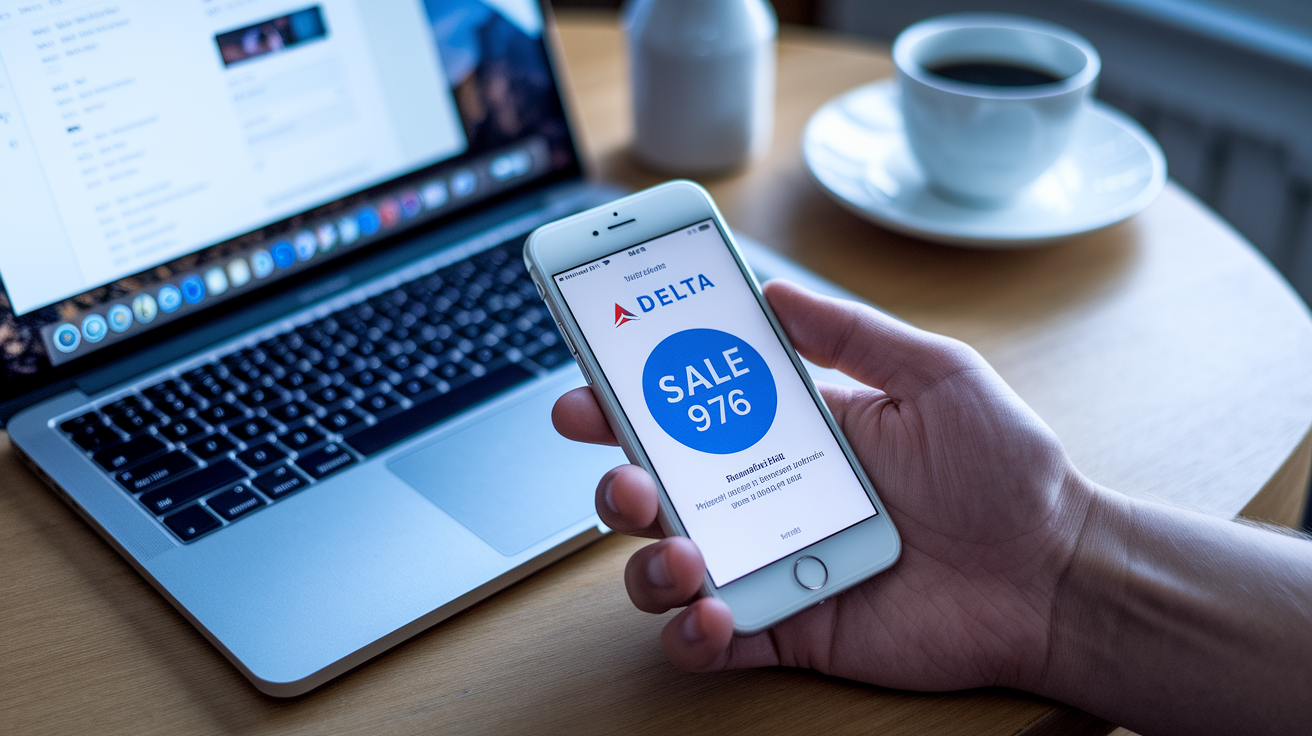

What if every Delta flash sale could hit your phone before the cheapest seats vanish?
These sales pop up and disappear in hours.
Push notifications from the Delta app are the fastest way to catch them.
But app alerts alone won’t always save you.
Use email, SMS, third‑party trackers, and social media as backups.
This post gives a short, repeatable system: what to turn on first, which alert tools to run alongside the app, and the quick checks to confirm a true deal—so you stop losing fares to timing, not luck.
Fastest Ways to Get Delta Flash Sale Alerts
Delta flash sales can show up and vanish in hours. Sometimes they close before most people even know they happened. The fastest way to catch them? Push notifications from the Delta mobile app. They arrive the second the airline flips the sale live. Email alerts land anywhere from seconds to minutes later, but you’re still in the first wave. If you’re asleep or stuck in a meeting when the alert hits, you might miss seats completely.
You need a backup system too. Some flash sales never hit the email list at all. They’re quietly loaded into the booking engine and announced only through the app or social media. Other sales get teased on X or Instagram Stories hours before the email goes out. The people booking $200 transatlantic fares or the cheapest award seats are usually watching multiple alert streams at once.
Delta occasionally drops limited-time offers that last under six hours, especially for award tickets or mistake fares. If you’re only checking email once a day, you’ll see the sale after it’s sold out. Real-time alerts give you the fifteen-minute head start that separates “I got it” from “It’s gone.”
- Delta app push alerts get you instant notifications the second a sale goes live, no delay
- Delta email deals list arrives within minutes to hours, sometimes skips smaller flash drops
- SMS alerts via SkyMiles profile can deliver sale codes and booking-window reminders if you’ve enabled them
- Logged-in app fare-watch behavior sometimes surfaces flash prices on routes you’ve searched recently, even before the formal announcement
Setting Up Delta App Push Notifications

Most people have the Delta app installed but never turn on the sale alerts. They only see trip updates and gate changes. You need to enable notifications in two places: inside the Delta app’s settings menu and in your phone’s system-level notification permissions. If either one is off, you won’t get the push.
Open the Delta app, tap your profile icon, then look for “Notifications & Alerts” or something similar. The exact wording shifts with app updates. Toggle on “Promotional Offers,” “Fare Sales,” and “SkyMiles Deals.” Then go to your phone’s settings. On iOS that’s Settings → Notifications → Delta, on Android it’s Settings → Apps → Delta → Notifications. Make sure alerts are allowed and set to show on the lock screen so you see them even if your phone is sitting face-down.
- Download or update the Delta app.
- Open the app, log into your SkyMiles account, and tap the profile or menu icon.
- Navigate to “Notifications & Alerts” or “Settings,” then enable all deal and promotional toggles.
- Exit the app and open your phone’s main Settings app.
- Find Delta under Notifications (iOS) or Apps (Android), and confirm that notifications are allowed, banners or pop-ups are enabled, and lock-screen display is turned on.
Once both layers are active, Delta’s system will ping your phone within seconds of a flash sale going live. If you still don’t receive a test alert after a day or two, delete the app and reinstall it. Sometimes a clean install fixes notification bugs.
Subscribing to Delta Email Alerts

Delta’s email list delivers flash fare drops, weekend sales, award-ticket discounts, and seasonal promotions, usually a few minutes to an hour after the app alert goes out. Emails often include a broader selection of routes than what gets pushed to the app. They spell out the booking window and fine print in one place. The tradeoff is speed. By the time the email lands in your inbox, the lowest inventory on popular routes may already be claimed.
To subscribe, log into delta.com, click your SkyMiles profile, and look for email preferences or communication settings. Check the boxes for promotional offers, fare sales, and SkyMiles deals. If you’re not logged in, scroll to the bottom of Delta’s homepage and enter your email in the newsletter sign-up box. Confirm your subscription through the verification email, and you’re on the list. Keep your SkyMiles profile updated with your current email so you don’t miss messages because of an old address.
Using Third‑Party Deal Trackers for Faster Alerts

Third-party flight-deal trackers monitor airline pricing engines and send alerts when fares drop. They sometimes catch Delta flash sales before Delta officially announces them. These tools run automated searches across hundreds of routes every few minutes, so they can spot a sudden price collapse and ping you while the airline is still drafting the marketing email. The best trackers send near real-time notifications via app, SMS, or email. Some let you filter by home airport, destination region, or maximum price.
The speed advantage matters most for unadvertised sales. Delta occasionally loads discounted award space or slashes cash fares without any public announcement, planning to promote it later or not at all. Third-party monitors pick up those changes within minutes because they’re watching the booking engine directly, not waiting for a press release. If you’re serious about never missing a deal, you run both the official Delta alerts and at least one third-party tracker.
Third-party alerts usually arrive as a generic “Delta fare drop detected” message, not a curated explanation of which routes or dates are on sale. You’ll need to click through and search Delta.com or the app yourself to confirm availability and price. The other limitation is coverage. Most free trackers focus on popular routes and major hubs. If you’re hoping for a flash sale from a smaller airport, the Delta app and email might still break the news first.
Getting Flash Sale Alerts Through Social Media

Delta sometimes teases flash sales on X (formerly Twitter) and Instagram Stories hours before the email blast goes out, especially for short-window promotions or award sales. A post might say “48-hour sale starts now” with a link. By the time the email arrives in your inbox three hours later, half the inventory is gone. Social posts can also vanish quickly. Stories disappear after 24 hours, and posts about expired sales often get deleted to avoid confusion.
Follow Delta’s official accounts and turn on post notifications if your app supports it. On X, tap the bell icon on Delta’s profile. On Instagram, enable notifications for posts and Stories. Also follow a few reliable travel-deal accounts that share airline promotions in real time. These accounts often re-post Delta’s announcements within minutes and sometimes add context about which routes have the best availability or lowest prices. Just verify every deal by checking Delta.com directly. Screenshot rumors and unofficial “leaked sale” posts are often outdated or wrong.
Tips to Maximize Savings During Delta Flash Sales

Flash sale inventory is extremely limited, often just a handful of seats per route. Booking speed determines whether you get the deal or see “sold out” five minutes later. The fastest way to book is to stay logged into the Delta app with your payment method and SkyMiles account already saved. When the alert hits, open the app, search the sale routes immediately, pick your dates, and complete the purchase before you second-guess the itinerary.
Flexibility is the second-biggest lever. Flash sales usually cover specific travel windows, often mid-week dates or shoulder-season months. The cheapest fares disappear first. If you can shift your trip by a day or fly out of a nearby airport, you’ll see more availability and sometimes even lower prices than the advertised examples. Award flash sales work the same way: the headline “30,000 miles to Asia” applies to select dates only. If you search a weekend departure, you might see double the miles.
- Book immediately when the alert lands because flash seats often sell out in under an hour, especially on popular routes.
- Search flexible date ranges and use Delta’s calendar search to spot which days have the lowest award or cash fares.
- Check nearby airports because a flash sale from JFK might also apply to Newark or LaGuardia, sometimes with better availability.
- Compare award pricing and cash fares since during award flash sales, the cents-per-mile value can beat cash fares by 50% or more if you have the miles.
- Use existing fare credits or SkyMiles because flash sales often exclude discounts or credits, but award flash sales let you stack the Delta co-branded card’s 15% TakeOff discount if you’ve saved the card to your profile.
Final Words
Want alerts the moment fares drop? Turn on Delta app push notifications, sign up for promo emails, follow Delta on social, and add third‑party trackers. Those steps get most flash sales instantly.
Keep your device and app notifications enabled, stay logged in, and have flexible dates or nearby airports ready so you can book fast.
Do this once and you’ll be set to catch delta flash sale alerts and score lower fares without constant hunting. Happy booking.
FAQ
Q: How to find out about Delta Flash sales?
A: The way to find out about Delta Flash sales is to enable Delta app push alerts, join Delta’s email list, follow their X/Instagram posts, and use third‑party fare trackers for near‑real‑time drops.
Q: How do I get notified of Delta deals?
A: To get notified of Delta deals, enable push notifications in the Delta app, sign up for promo emails, and consider third‑party alerts or social media follows for faster notices.
Q: What is the 3:1:1 rule on Delta?
A: The 3:1:1 rule on Delta refers to the TSA carry‑on liquids limit: containers ≤3.4 oz (100 ml), all in 1 quart‑size clear bag, 1 bag per passenger.
Q: What is the cheapest day to buy Delta flights?
A: The cheapest day to buy Delta flights is usually midweek—Tuesday or Wednesday—but it varies by route; use fare trackers and flexible dates to confirm real savings.